Your information starts with you.
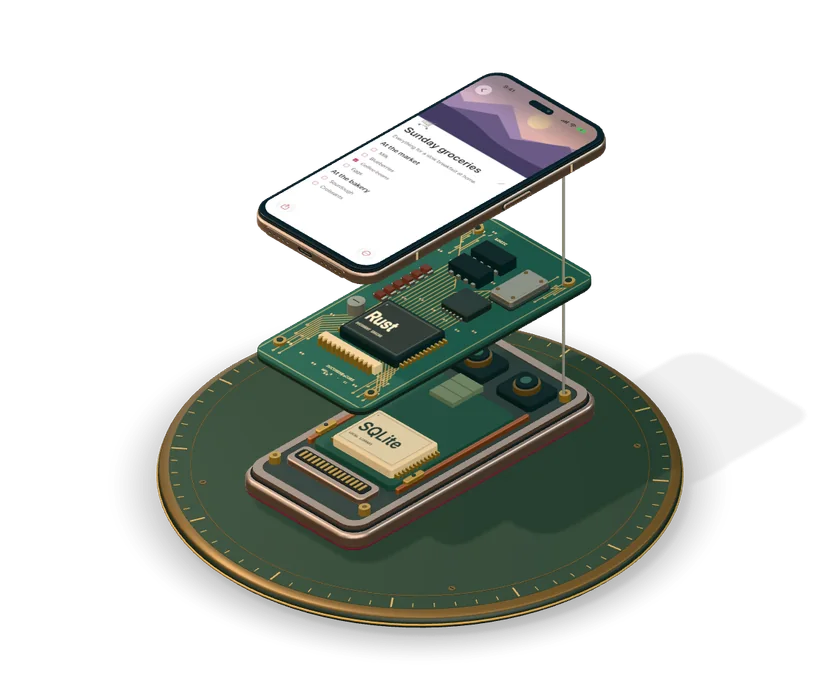
Put your phone in airplane mode and add milk to the grocery list. Everything it takes to save that edit is right here.
Native app. The editor on your iPhone turns a tap into a checked item on your list.
Rust engine. Each item has a stable identity. The Rust engine can recognize the same item even after you move it.
Local storage. SQLite saves the page on your device. You can close the app, reopen it offline and pick up where you left off.
Share with people you trust.
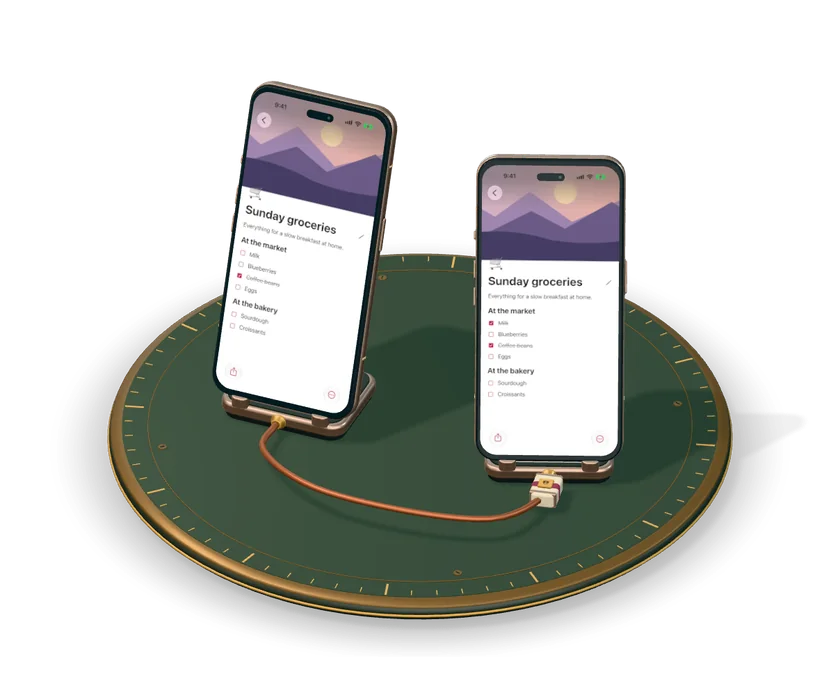
Invite someone to your grocery space. With both apps open nearby, the two devices can exchange changes over an encrypted connection.
Space owner. The owner invites each person as an editor or viewer. Changes pass through the owner on their way to other members.
Encrypted link. Scan the invitation and compare the numbers on both screens. The paired apps can then encrypt and exchange pages directly over local Wi-Fi.
Family device. A viewer can read the list. An editor can check off the milk. Each device checks those permissions when saving shared changes.
Your home can be your cloud.
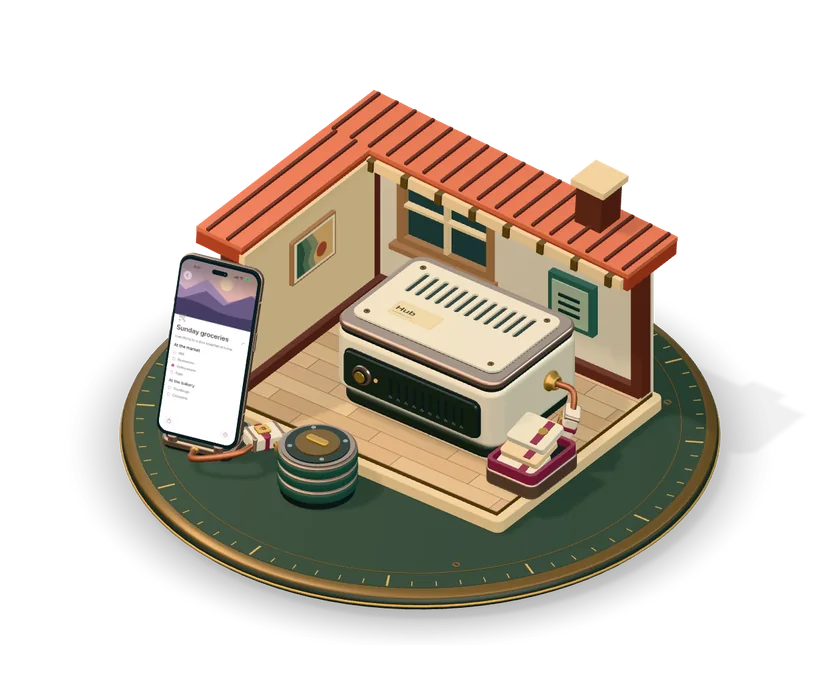
An optional Hub runs on a computer you own. It can hold an encrypted backup or keep a shared update until the next device checks in.
Household Hub. The Hub can stay on while the phones are away. Your devices still edit pages and decide who belongs to each space.
Backup vault. Your phone encrypts a recovery copy before it leaves. You need the separate recovery key to restore it.
Delivery mailbox. The latest encrypted update waits on the Hub, alongside ephemeral encrypted presence and Family Map pins. The receiving app opens and confirms delivery after saving.
Connectivity without surrendering ownership.
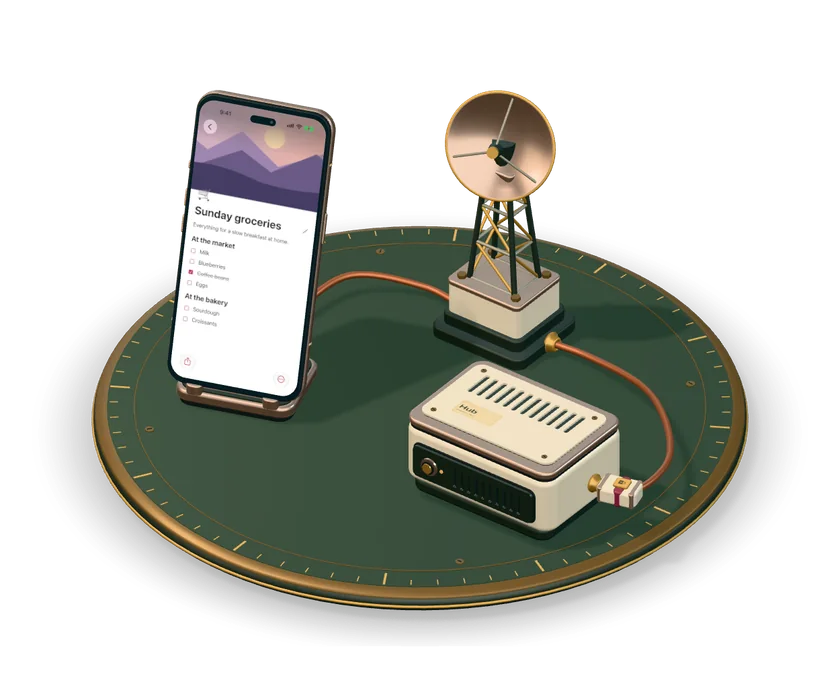
Away from home, a paired phone can reach your Hub through a configured relay. Follow the encrypted connection all the way home.
Remote device. Your phone checks the certificate saved when you paired with the Hub, even when it takes a different route.
Relay. The relay forwards encrypted traffic without storing it. Connection timing and size are visible to the relay. Page contents stay encrypted through it.
Paired Hub. The secure connection ends here. The Hub checks the device’s credential before granting access to its backups or mailbox.
Your data. Your devices. Your choice.
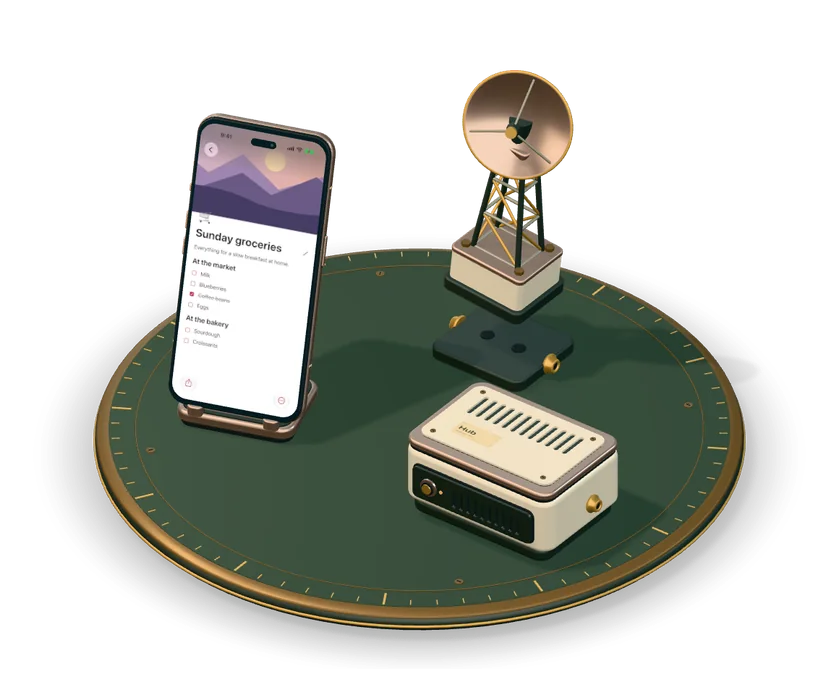
Take away the internet connection. You can still open the list, edit it and save it on your phone.
Local library. Each authorized device holds the pages it received. Removing a member stops future exchanges. Copies already delivered stay with that person.
Household Hub. You choose where the Hub runs. Its backup and mailbox storage hold encrypted contents, and nearby sharing also works without it.
Optional relay. You can run a compatible relay yourself or remove the remote route. Your local pages and the Hub’s identity stay in place.
Life, a little more together.
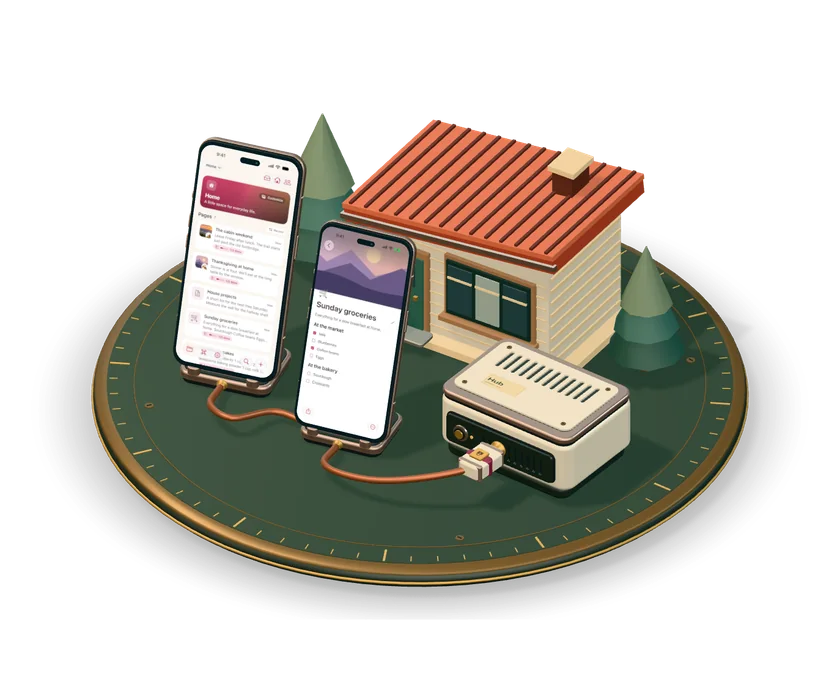
One grocery list ties the household together. It starts on your device, travels to the people you invite and can wait for them at home.
Your devices. Homeberry runs natively on iPhone, iPad and Mac. You can pair your own devices to bring your workspace with you.
Shared space. Invite a family member to the grocery space. Your personal pages stay in your own workspace.
Homeberry Hub. Add a Hub when you want encrypted recovery copies, remote presence, or delivery between visits. When reachable, the Hub takes priority and nearby Wi-Fi steps in automatically whenever it isn’t.