A private family workspace
Life, a little
more together.
Plan the weekend, share a grocery list and save ideas for home. Your pages live on your devices, work offline and are yours to share.
In early testing for iPhone, iPad and Mac.
Interactive field guide
Inside Homeberry.
Take apart the phone that saves your grocery list offline. Follow an encrypted edit to another family device, or see how an optional household Hub holds it for later.
Explore the 3D exhibit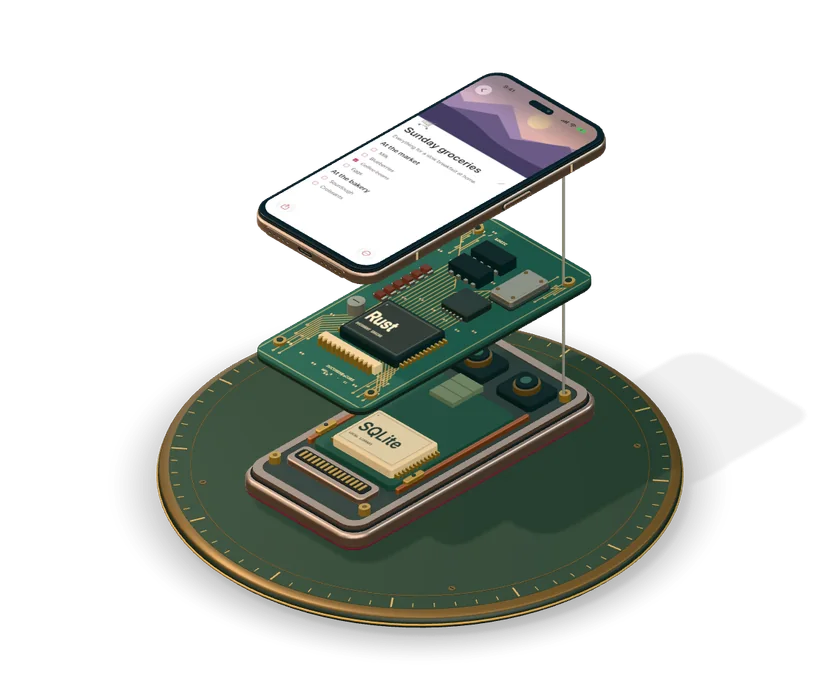
The everyday workspace
Start with Saturday.
Write the plan, double a pancake recipe or keep track of what’s left to buy. Try a page from this family’s notebook.
Saturday at home
- 9:30
- Drop Mia at swimming.
- 11:00
- Return the library books.
- After lunch
- Measure the hall for a bench.
Before we go
Home upgrades
- Planned
- $18
- Purchased
- $0
Save from another app
Safari & share-sheet setupSave a product to a list, or leave it in your Inbox to file later.
Shared spaces
When it’s someone else’s turn for pickup.
Keep shoe sizes, routines and the diaper-bag checklist on a page you can both edit. When the grandparents are on duty, print a caregiver sheet they can use without the app.
- For your family
- Invite someone to edit or just read. Live avatar badges show who’s on a page before you even open it — nearby or through a paired Hub.
- For your own devices
- Link your iPad or Mac to bring along your personal pages as well as your shared spaces.

Family Map & Co-Pilot
A second pair of eyes on the way home.
Traffic backing up? With a paired Homeberry Hub, a family member can share their location for an hour. You can compare routes and send a suggestion. They choose whether to open it in Apple Maps.
Explore Family Map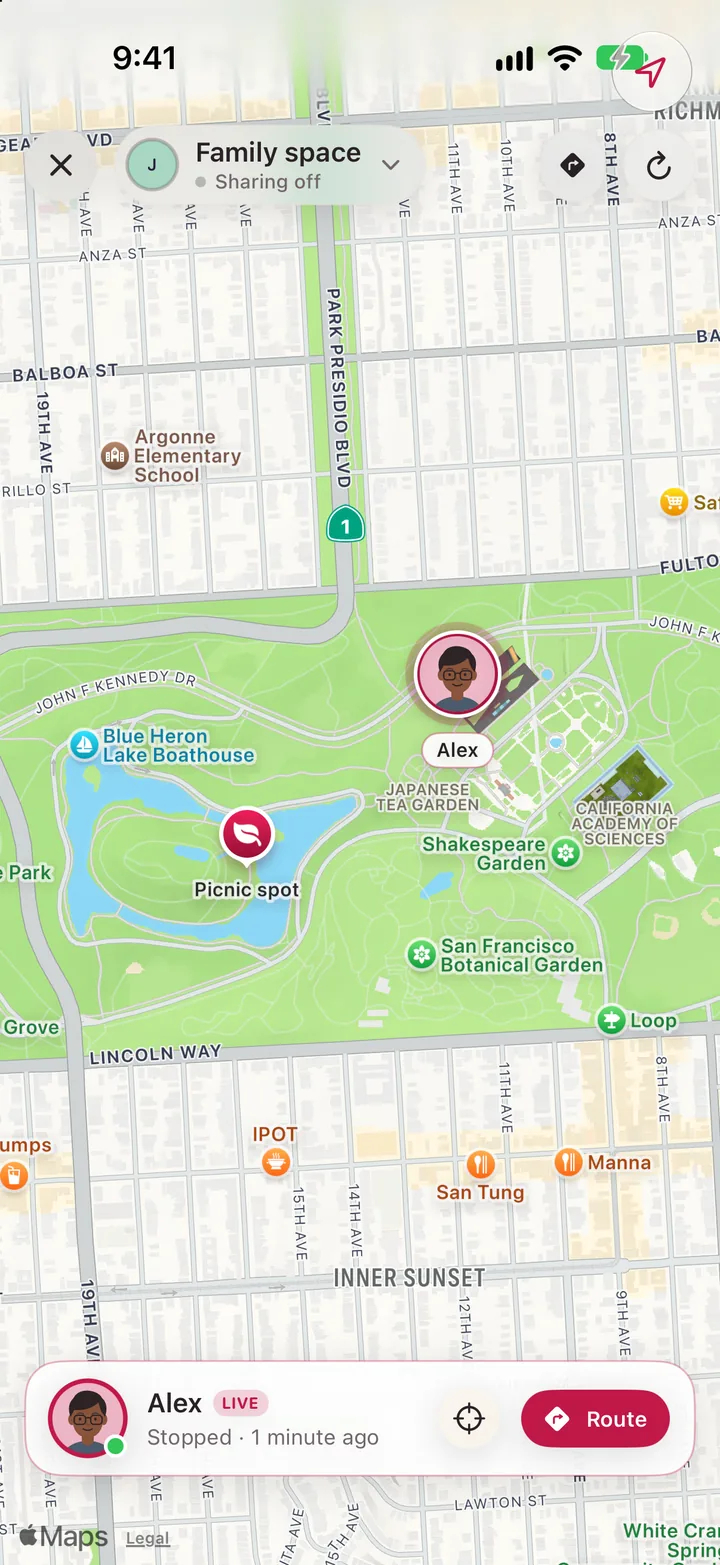
Appearance
Pick your colors.
Start with Homeberry’s raspberry and cream or try a different palette. The matching icon follows the theme. Inside the app, you can also make an avatar and choose a cover for your family space.
Homeberry
Warm cream · raspberry & blackberry
 Homeberry
Privacy & ownership
Yours, even offline.
Open a recipe on a flight or check the shopping list at the back of the store. Your pages live on your device. You can start without a Homeberry account.
How your data is handledWho can read a shared page?
Choose which space to share and who can join. Shared updates are encrypted for the devices in that space. Your personal pages stay separate.
What does a Homeberry Hub add?
A Hub runs on a computer your household controls. It holds encrypted updates until another device comes back, can keep encrypted backups, and delivers Family Map updates. A separately configured remote connection can reach it away from home. Nearby page sharing works without a Hub.
Hub setup and requirementsCan I take my pages with me?
Export Markdown to keep a readable copy. On iPhone or iPad, make an encrypted recovery backup and keep its recovery key somewhere safe.
Back up or restore pagesWhat if I send feedback?
When you choose to send feedback, the message goes to our feedback service and issue tracker so we can act on it. You choose what to include in the report.
Join the beta waitlist.
We’ll email you when there’s room for your family to try Homeberry.